Automatically detect similarities in translations
With Compilatio, automatically search for similarities with English-language sources, regardless of your document’s language.
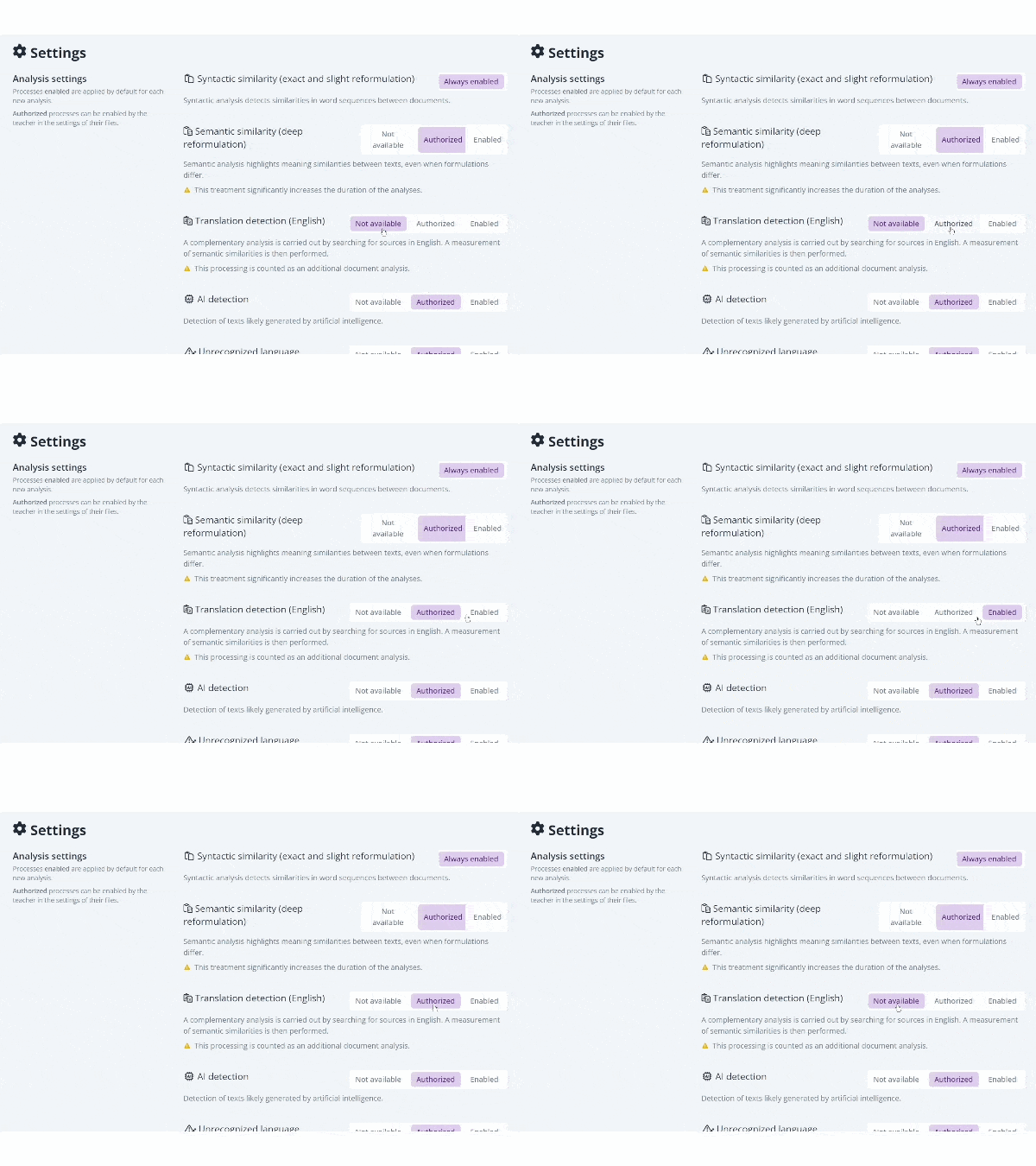
If your institution’s Compilatio administrator has enabled this feature, you can now search for similarities with sources translated from English with a single click:
- For a specific document, from the Summary view of your analysis report,
- for all documents in a folder, starting with their initial analysis, through the folder settings.
Your document is then reanalyzed, and the report is automatically updated. In just a few minutes, you’ll have access to an enhanced analysis that provides a more comprehensive detection of similarities.
Please note:
– Enabling this feature uses one additional analysis. An informational message appears before processing begins to notify you of this in a transparent manner.
– Prior to July 2026, this search for similarities with sources translated from English was already available, but had to be performed manually.
– It is still possible to manually compare an analyzed document with a source in another language.
Feature available in
Compilatio Magister
Was this article helpful?