AI-Enhanced Assessment, Enriched by the Teacher
Gingo supports you at every stage of the assessment process: easily create your assessments, provide students with specific feedback on areas for improvement, and track the progress of each student and the entire class. The instructor always remains the final authority on educational matters.
Request a demo
Use your time for what really matters: your students’ success.

Get guidance on creating customized assessments
You enter the essential details: subject, level, assessment title, and instructions for your students. You can also add reference materials (lectures, documents), set the number of questions, and define the grading scale.
Based on this information, Gingo automatically generates:
- the questions
- the expected answers
- the estimated completion time
- the point distribution
You retain control at all times to modify, add to, or regenerate the questions.

Get help grading exams without losing your touch
Upload your students’ assignments or invite them to submit them directly via a submission link, either in digital format or as a photo of their handwritten work. Gingo offers a preliminary grading feature before the teacher reviews the work.
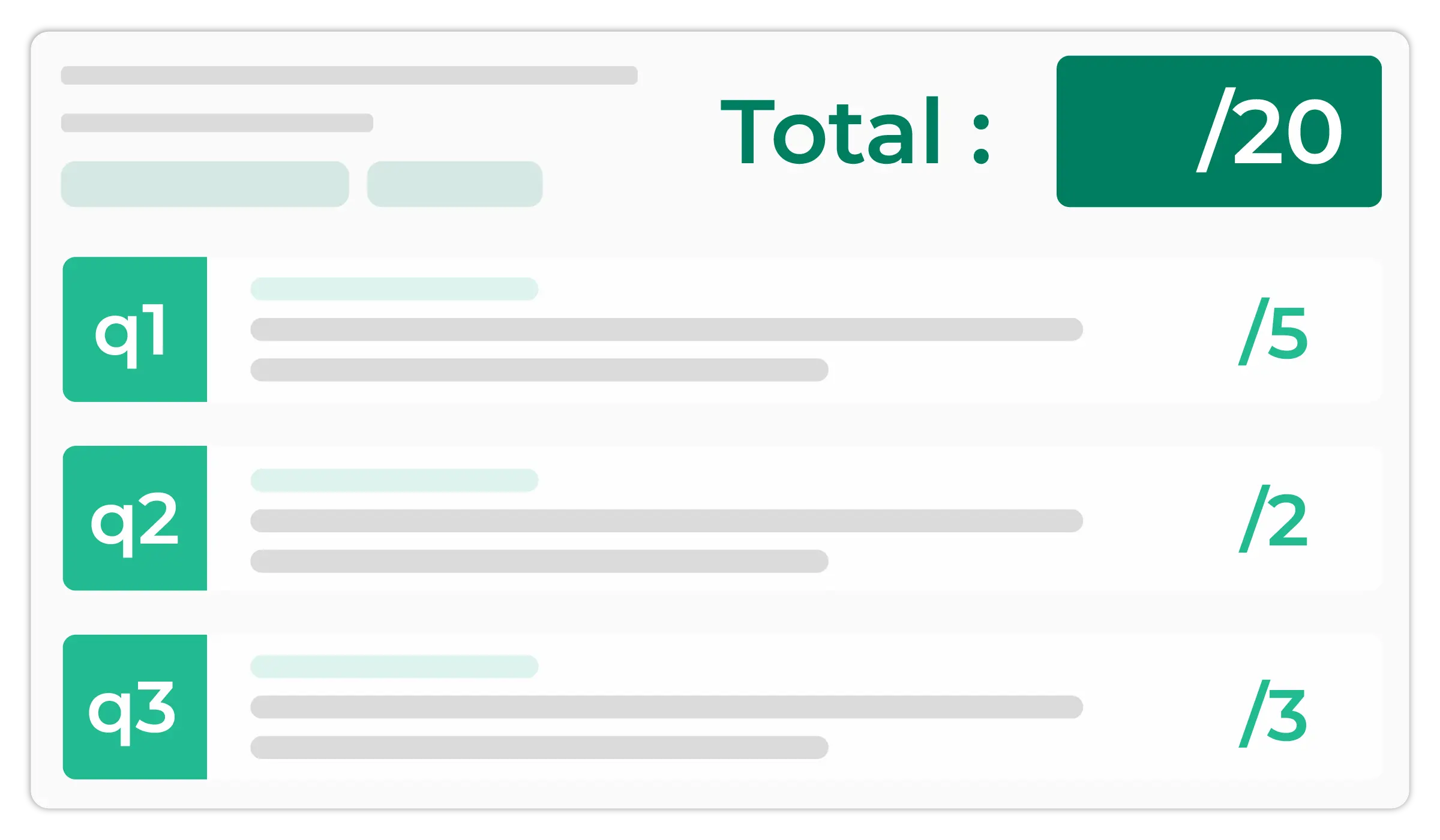
For each copy and each question, you’ll see a clear overview:
- Expected answer defined when the assessment was created
- Student’s response
- Customized feedback for each error
- Suggested grade, based on the grading scale
- Explanation of the grading, with suggestions for improvement
You can adjust the scores, as well as the comments and areas for improvement for the student, at any time.
Track results closely to refine your instructional monitoring
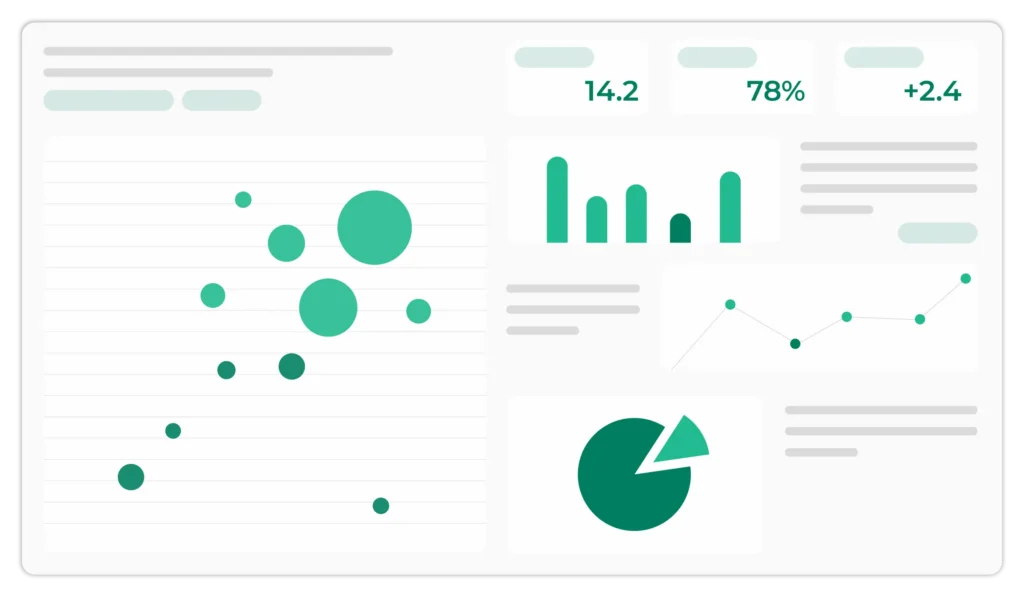
Gingo lets you easily view your students’ results at different levels: by student, by question, or by class.
A dashboard centralizes all key information:
- corrections that have been approved or are pending approval
- scores by student, by class, and by question
- averages, minimum and maximum scores
Easily view areas of difficulty by student, question, class, and more—so you can provide more targeted educational support.
Institutional offer
Custom Pricing
Are you interested in a solution for your institution?
Contact pur sales team
Included benefits
- Tailored support from a dedicated account manager
- Personalized demo and customized training
Assisted proofreading that is more accurate and consistent
Improve the success rate with detailed feedback
Gingo provides detailed feedback for each question and assessment, subject to the teacher’s approval.
This approach allows students to clearly understand their mistakes and identify areas for improvement so they can make lasting progress.
- Because beyond just grading, the goal is simple: to help students succeed on their assessments, exams, and in their future academic journey.
Improve efficiency without compromising fairness
Grading exams is a time-consuming and repetitive task that can lead to variations in grading due to human factors such as fatigue or familiarity with the student.
- Gingo assists with grading by providing a structured, consistent, and objective evaluation framework for each exam and each question, subject to the teacher’s approval.
Request a demo
Your Frequently Asked Questions, Our Clear Answers
As a teacher, is it acceptable to use AI to grade assignments?
Yes, as long as it remains a tool to support your judgment. AI helps analyze and organize corrections, and you can remain the educational decision-maker. At Compilatio, we support teachers and students in using AI ethically and transparently.
Is it possible to grade handwritten exams using Gingo?
Yes, thanks to optical character recognition (OCR) technology, Gingo can read your handwritten papers and automatically convert them into digital text.
This allows you to grade and analyze the papers as if they had been typed directly into the computer.
Are my data and my students’ data protected?
Yes, data protection is one of our top priorities.
All personal data is processed using a sovereign AI system hosted in Europe, in accordance with the GDPR and European data protection standards.
Furthermore, the data provided by users is not used to train new AI systems.
Is Gingo compatible with a learning management system (LMS)?
Gingo can be used via the online application.
Based on your feedback, integrations with major LMS platforms will be offered at a later date (Moodle, Canvas Instructure, Brightspace Desire2Learn, Blackboard, and all LMS platforms that support the LTI standard).
Our teaching gems

- Writing methods
- For Students
Nursing Thesis: Tips, Topics Ideas and Examples to Succeed in Your Nursing Paper
Read the article Post
Post
- Writing methods
- For Students
APA Title Page: Complete Guide for Students (7th Edition)
Read the article What's new
Automatically detect similarities in translations
Read the articleA solution for every need
Technical support, demo requests, questions about our offerings, or specific needs: our team is here to help.
Contact us
- Technical Support
- Request a Demo
- Personalized Support
- LMS Integration, SSO, API