Tracking your students’ progress for better teaching
Track your students’ progress and skills throughout their assessments with a clear and intuitive teacher dashboard. With Gingo, simplify your academic tracking by analyzing individual and class performance, measuring learning outcomes and identifying areas for improvement to better tailor your teaching.
Request a Gingo demo
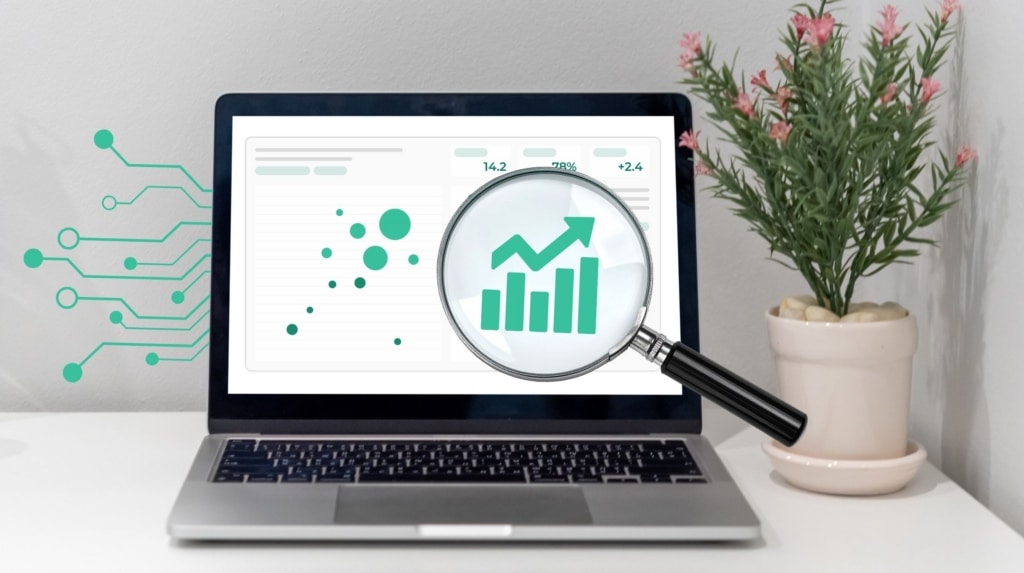
What does monitoring Gingo students’ progress actually involve?

A tool to track your students’ progress and adapt your teaching
Tracking performance allows you to view and analyze your students’ results over the course of their assessments. Gingo centralizes the key statistics:
- averages;
- the minimum and maximum scores;
- results by student;
- the results by question;
- class-wide results.
- results from each assessment.

To better identify successes and challenges
In particular, this feature allows you to:
- track a student’s progress,
- identify students who are struggling,
- identify the issues or concepts that are causing problems for a class or cohort,
- compare individual and team results,
- tailor your instructional support.
Request a Gingo demo
How does the processing work?
Gingo uses the results of completed and graded assessments to generate tracking metrics.
Five automatic steps to analyze the results.

Collection of Results
Gingo retrieves the available results and corrections.

Data Structuring
The results are linked to the students, questions, and classes in question.

Calculation of Indicators
In particular, Gingo calculates averages, minimum and maximum scores, and results by question, student, or class.

Aggregation of Results
The data is grouped to highlight individual and collective trends, as well as how they have evolved over the course of the evaluations.
Restitution
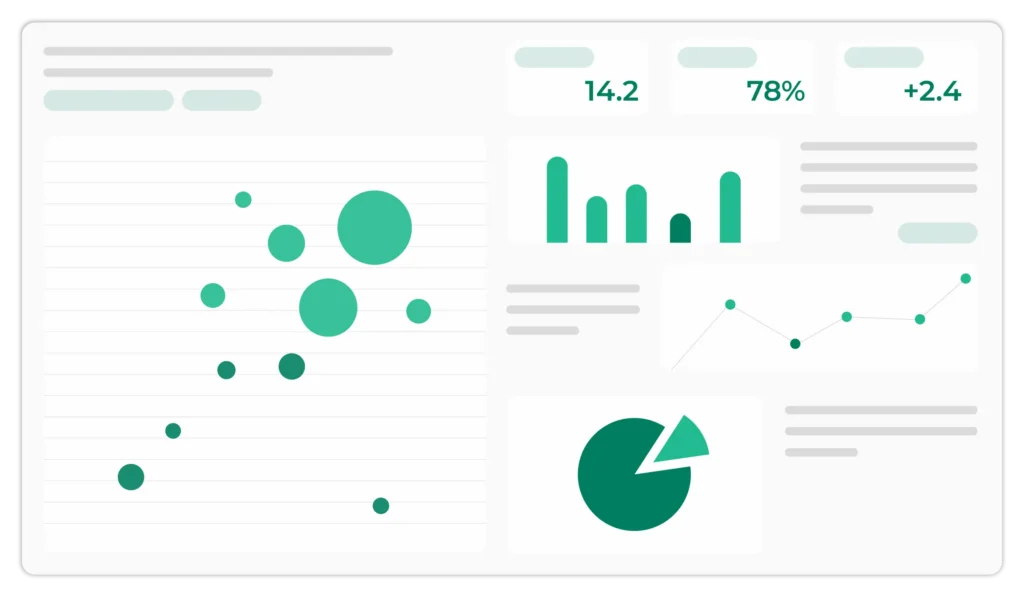
The results are presented in a user-friendly dashboard that allows teachers to easily view and analyze performance.
They are already Compilatio partners















Verification, Interpretation, and Analysis of Results
Gingo provides metrics to help teachers analyze the results. It is up to the teacher to interpret them in light of the educational context.
In particular, the results can be used to:
- identify a student who needs additional support;
- identify a concept that has not been sufficiently mastered;
- propose remedial work;
- monitor changes in results following a new assessment.
The indicators describe the results observed in the available assessments. They do not, on their own, provide a comprehensive measure of a student’s level or skills.
The teacher’s reading and interpretation therefore remain essential.
20 Years of Expertise in Academic Integrity
Since 2004, Compilatio has supported thousands of institutions and millions of students around the world. This real-world experience guides every step of the development of our tools.
Cutting-edge natural language processing technology
Compilatio specializes in natural language processing. Our software is reliable, user-friendly, and secure.
Genuine and Ongoing Support
Compilatio does more than just provide tools. Teachers, students, and educational institutions benefit from personalized support, specialized training, and assistance available year-round.
Do you want to track your students’ progress?
Contact us
Be sure to check out our suspicious text detector as well
Plagiarism and AI detection (and much more) for teachers
Analyze your students' work in just a few clicks.
Compilatio Magister detects several types of similarities across billions of sources and identifies content potentially generated by AI.
Your Frequently Asked Questions, Our Clear Answers
As a teacher, is it acceptable to use AI to grade assignments?
Yes, as long as it remains a tool to support your judgment. AI helps analyze and organize corrections, and you can remain the educational decision-maker. At Compilatio, we support teachers and students in using AI ethically and transparently.
Is it possible to grade handwritten exams using Gingo?
Yes, thanks to optical character recognition (OCR) technology, Gingo can read your handwritten papers and automatically convert them into digital text.
This allows you to grade and analyze the papers as if they had been typed directly into the computer.
Are my data and my students’ data protected?
Yes, data protection is one of our top priorities.
All personal data is processed using a sovereign AI system hosted in Europe, in accordance with the GDPR and European data protection standards.
Furthermore, the data provided by users is not used to train new AI systems.
Is Gingo compatible with a learning management system (LMS)?
Gingo can be used via the online application.
Based on your feedback, integrations with major LMS platforms will be offered at a later date (Moodle, Canvas Instructure, Brightspace Desire2Learn, Blackboard, and all LMS platforms that support the LTI standard).