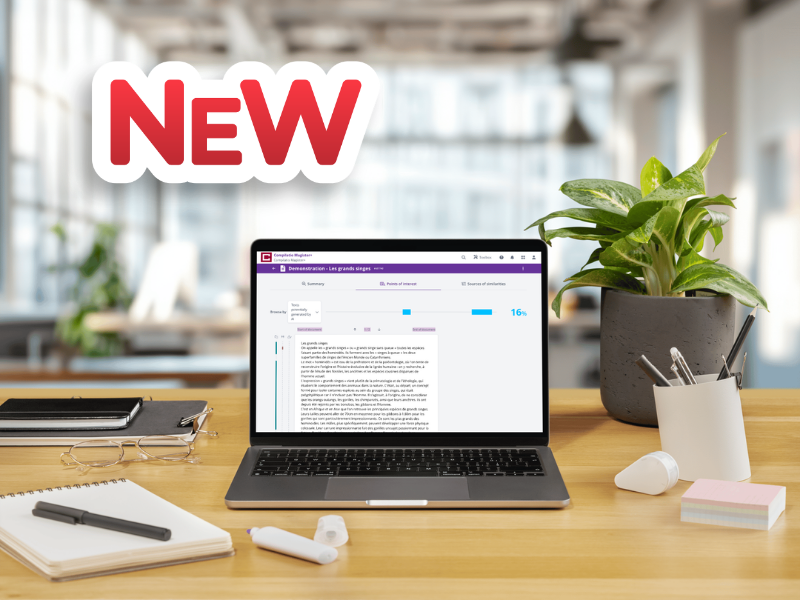
The Compilatio technical teams have recently introduced several improvements that will simplify the use of the report and make document analysis even more intuitive. These updates apply to the Compilatio Magister, Magister+, and Studium software.

Here is an overview of the new features.

gif:report-PDF-points-of-interest

Focus on what matters with improved readability of Points of Interest

From now on, the “Navigate by” button allows you to display only the passages related to the selected filter: similarities, quoted text, unrecognized languages, or content potentially generated by AI.
The highlights in the document correspond only to the chosen filter.

For example, if you select “potentially AI-generated text,” only those passages will be highlighted. Other suspect elements remain visible with a simple line in the margin. This way, you maintain an overview while focusing on a single type of detection at a time, for clearer and more efficient reading.


ℹ️ The types of points of interest displayed depend on the service used (Compilatio Magister, Magister+, or Studium). Each user has access to the detections included in their subscription.


gif:report-texts-generated-by-AI

Personalize your analysis by excluding AI-generated passages

Compilatio Magister+ and Studium users can exclude any potentially AI-generated passages directly from the Points of Interest page. After reviewing the relevant passages, you can exclude them to update the analysis. The percentage of potentially AI-generated text will be automatically recalculated. This way, you get an adjusted indicator that aligns with your document analysis.

gif:report-PDF-points-of-interest

View all points of interest at a glance in a more structured PDF report

The PDF report now displays all points of interest at once. Similarities are highlighted, while other types of detections are indicated by underlining.
This presentation allows you to immediately identify the nature of each passage and have a complete view of the document without changing the filter.

Conclusion: A smoother and more personalized experience

With these adjustments, Compilatio further improves its report to make document analysis simpler, faster, and more personalized.
You now have more control over the display of points of interest, along with better navigation, all while enjoying a cleaner design.

Don’t wait any longer to test these new features and improve the way you work with Compilatio!